

SoundCloud remains one of the most powerful platforms for independent artists looking to connect directly with the music community and share their work on their own terms. Unfortunately, many artists and labels overlook key best practices that can dramatically improve visibility, engagement, and growth. Here’s how to maximize your SoundCloud profile the right way.
How To Maximize Your SoundCloud Profile
Profile Images
You can update your profile image directly from your SoundCloud profile or through your profile edit settings on desktop.
- Hover over your current image and click Update image.
- Select a file from your computer and click Save.
- Profile avatars are circular, which differentiates them from track and playlist artwork.
SoundCloud accepts images up to 2MB. For best results, upload a JPG or PNG that’s at least 1000 x 1000 pixels. Once uploaded, you can reposition and zoom the image to ensure proper framing.
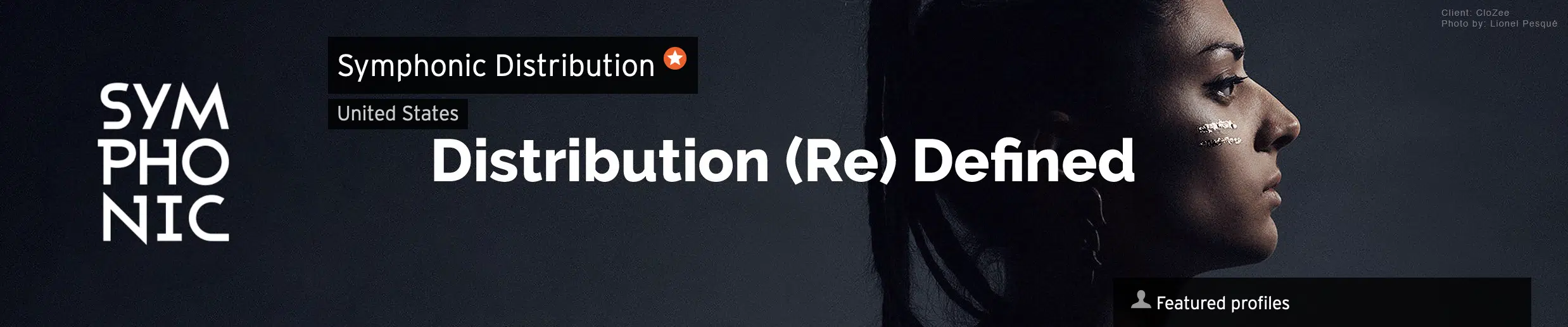
Profile Header Image
- Upload JPG or PNG images at 2480 x 520 pixels (2MB max).
- Avoid text-heavy designs since headers crop on smaller screens.
- You can reposition or zoom the image vertically after upload.
Profile Name
Your SoundCloud profile name should match your artist name exactly whenever possible. For search visibility, make sure your name includes spaces rather than being condensed into a single word.
Repeating your display name in your profile URL also improves discoverability in Google search results and reinforces brand consistency across platforms.
Social Media Links
Adding links to your social platforms makes it easier for fans to connect with you beyond SoundCloud. Once linked, SoundCloud enables additional sharing features that help amplify your reach.
Use your profile and track descriptions to introduce yourself, tell your story, and encourage reposts. Direct calls to action can significantly increase engagement and follower growth.
Sharpen your skills
How To Make Money On SoundCloud
Social Media Image Sizes
The Artist Checklist to Advertising on Spotify
How To Boost Your Engagement On TikTok
Song Tagging
Tags help define your sound and make your tracks easier to find in SoundCloud search results. Always include a primary genre, then add related genres, moods, or similar artists to improve discoverability.
Track Description
Every track should include a short description with key links. This helps convert listeners into fans and customers.
Artist Name – Song Title (Official Version)
▶ Merchandise:
▶ Subscribe:
▶ Download:
▶ Follow the Artist:
– Facebook:
– Twitter:
▶ Label Updates:
– Facebook:
– Twitter:
– YouTube:
Spotlight Feature
If you’re using SoundCloud Pro, Spotlight allows you to pin up to five tracks or playlists to the top of your profile. This ensures first-time visitors hear your most important releases first.
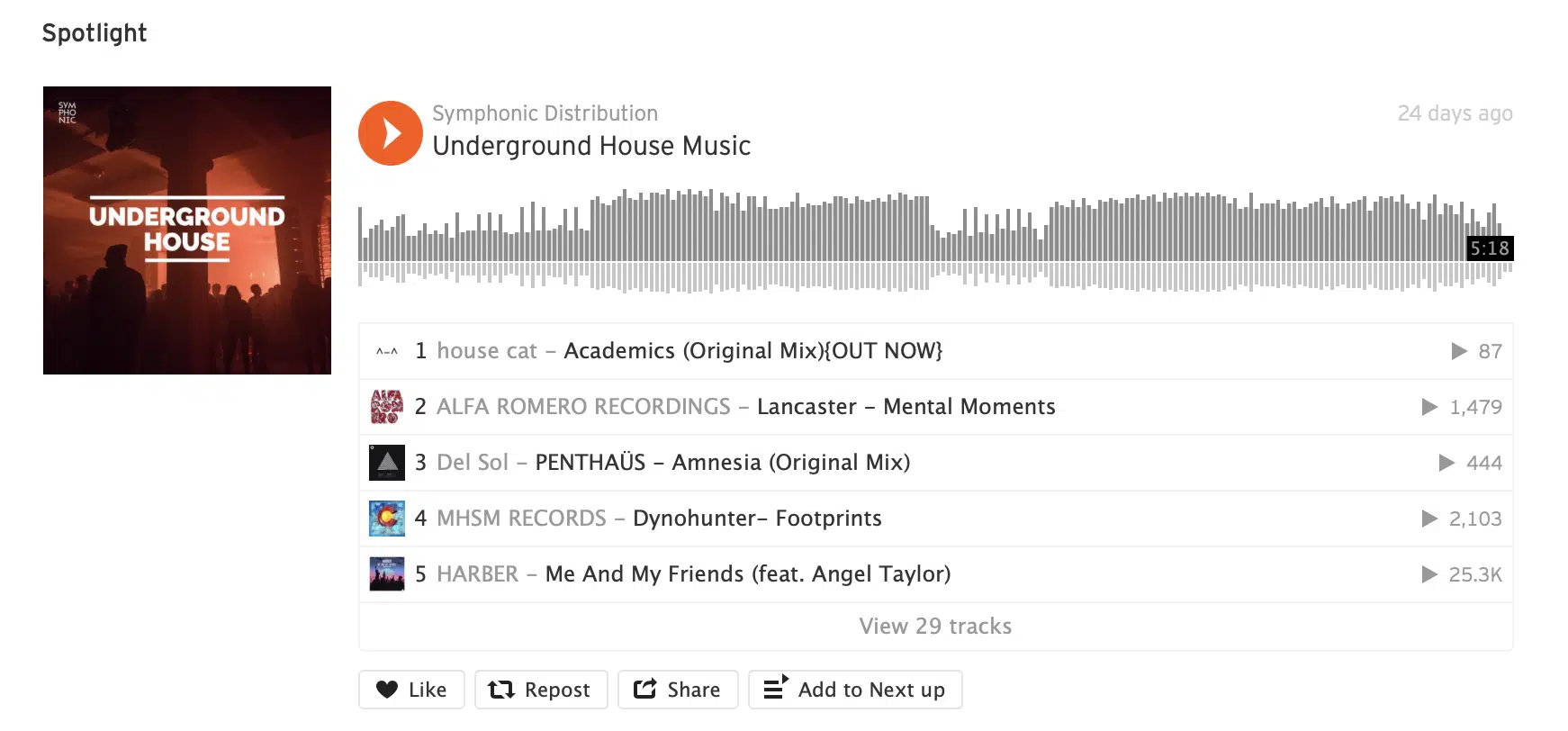
- Click Edit Spotlight at the top of your profile.
- Search for a track or playlist to highlight.
- Select up to five items and click Save.
TL;DR
- Optimize your profile and header images for clarity and consistency.
- Use your exact artist name for better search visibility.
- Add social links and strong calls to action.
- Tag tracks accurately to improve discoverability.
- Use Spotlight to feature your most important releases.
FAQ
- What image size works best for SoundCloud profile photos?
- At least 1000 x 1000 pixels in JPG or PNG format, under 2MB.
- Does tagging really help on SoundCloud?
- Yes. Tags help SoundCloud categorize your music and improve search visibility.
- What is the Spotlight feature?
- Spotlight lets Pro users pin up to five tracks or playlists to the top of their profile.
- Should I include links in my track descriptions?
- Absolutely. Links to merch, downloads, and social platforms help turn listeners into fans.
Other Stories You May Like

Fresh New Music ft. NALYRO, Foxfrd, & more.
Women Owned Labels You Should Know About In 2022